
Wiki / Security headers
Warning: X-Content-Type-Options
The browser may guess a file's type on its own and, for example, open a text file uploaded by a visitor as an HTML page with scripts. One line, nosniff, turns that off; it matters most for sites where visitors upload files.
What it does not mean. It does not mean the site holds malicious files. If visitors cannot upload anything, the risk here is small.
- In our report
- Warning (yellow), category weight 1.0 of 2.0
- Time to fix
- 5 minutes
- Can it break things
- Rarely: scripts and styles the server sends with the wrong type stop loading
How to fix it
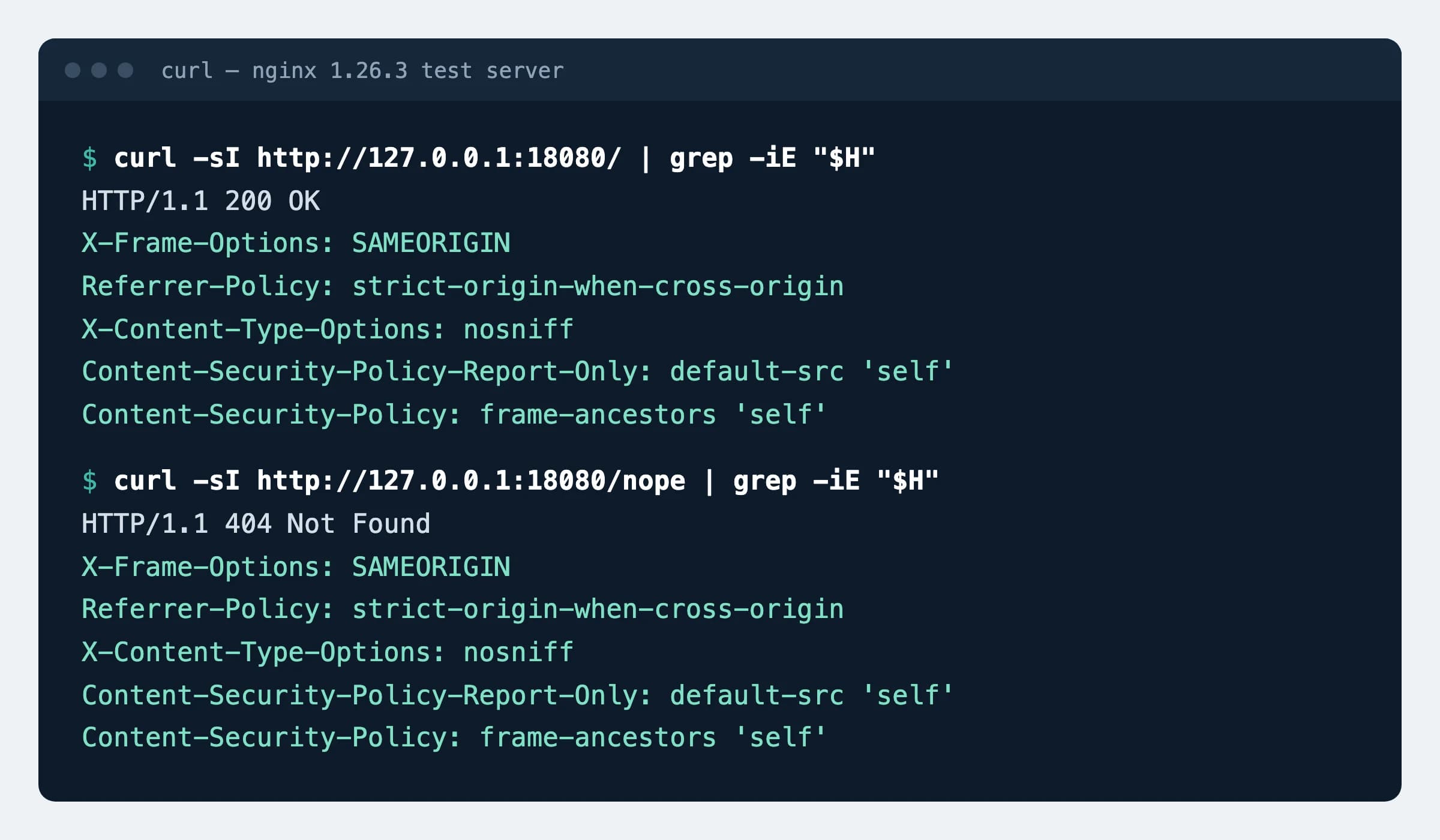
nginx (tested on 1.26.3)
add_header X-Content-Type-Options "nosniff" always;Apache (tested on 2.4.59, also works in .htaccess)
Header always set X-Content-Type-Options "nosniff"Cloudflare
SSL/TLS → Edge Certificates → HTTP Strict Transport Security (HSTS) → No-Sniff HeaderThe switch sits in the same dialog as the HSTS settings.
How to check
curl -sI https://example.com | grep -i x-content-type-options
curl -sI https://example.com/wp-includes/js/jquery/jquery.min.js | grep -i content-typeExpected
x-content-type-options: nosniff
content-type: application/javascript
The second command shows whether scripts are served with a JavaScript type. Replace the path with a script from your own site.
What can break
- If the server sends a
.jsor.cssfile astext/plain(it happens with unusual extensions or home-made scripts that serve files), the browser stops loading it. CheckContent-Typewith the command below.
Possible values
There is one value.
| Value | What it does |
|---|---|
nosniff | A script loads only with a JavaScript type, a stylesheet only with text/css. For every other file the browser takes the type from Content-Type and no longer guesses |
Sources
- WHATWG Fetch standard: X-Content-Type-Options
- MDN (Mozilla): X-Content-Type-Options header
- Cloudflare docs: HSTS settings (No-Sniff Header)
- nginx documentation: add_header
- Apache documentation: mod_headers
Changes
- Page published; nginx and Apache lines tested on a test server.